June 10, 202626 views
Making My MSI Claw 8 AI+ Feel Like Home
Why I picked a Windows handheld to game and code on the go — then covered it in white skin, lace, and tiny flowers until it finally felt like mine.
In this post
My main machine is a MacBook, and I love it for the thing I do most: writing code. But a Mac only takes you so far when what you actually want, late at night, is to wander around Stardew Valley or fall down a Hollow Knight rabbit hole. macOS and games have never really been friends.
So I bought a handheld — the MSI Claw 8 AI+, the Super Pack bundle. The point was simple: one little thing I can game on and code on, anywhere that isn't my desk.
Why a handheld, and why Windows
I looked at the usual suspects — the Steam Deck, a Switch, even just gaming on my Android — and kept landing on one word: flexibility. A Windows handheld isn't a console pretending to be a computer. It is a computer.
That's the whole reason I went Windows over everything else:
- The Switch is lovely, but it only plays what Nintendo lets it.
- The Steam Deck is wonderful, but it's SteamOS-first and happiest inside Steam.
- Android is, well, a phone.
Windows lets me keep my whole messy life on one screen. Steam and Epic, my own dev tools, a browser with far too many tabs, a game library and a code editor sitting side by side. Nothing is walled off. If I can run it on a laptop, I can run it here — and that freedom mattered more to me than any single spec.
Why the Claw 8 AI+ specifically
Once I'd settled on Windows, the choice came down to how something actually feels in my hands over a long, lazy evening — not the spec sheet. The Claw won me over on the small, practical things:
- Long battery life — I can leave the charger at home and not think about it.
- A wide 8-inch screen — big enough to read code and see a game properly.
- A quiet fan — it doesn't turn into a hairdryer the moment things get busy.
- The right size — solid enough to feel real, light enough to hold for hours. It just fits me.
Nothing flashy. Just a handheld that quietly does everything I need it to, which is exactly what I was after.
The look I was chasing
Here's the honest part: out of the box, it's very… black. Very gaming peripheral. And that's not me. This is the mood I actually wanted:
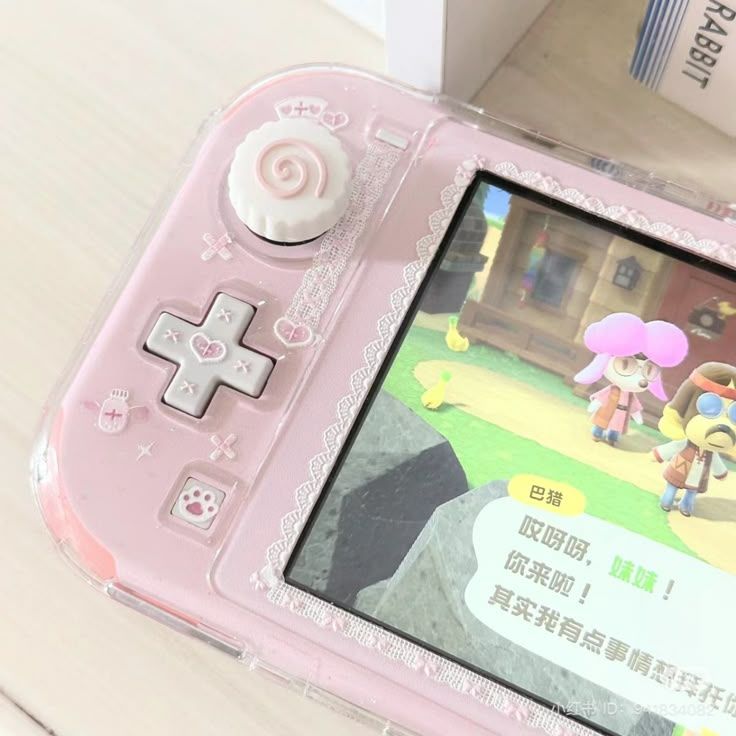
Soft, pastel, a little bit cozy. The opposite of a gadget.
Making it soft
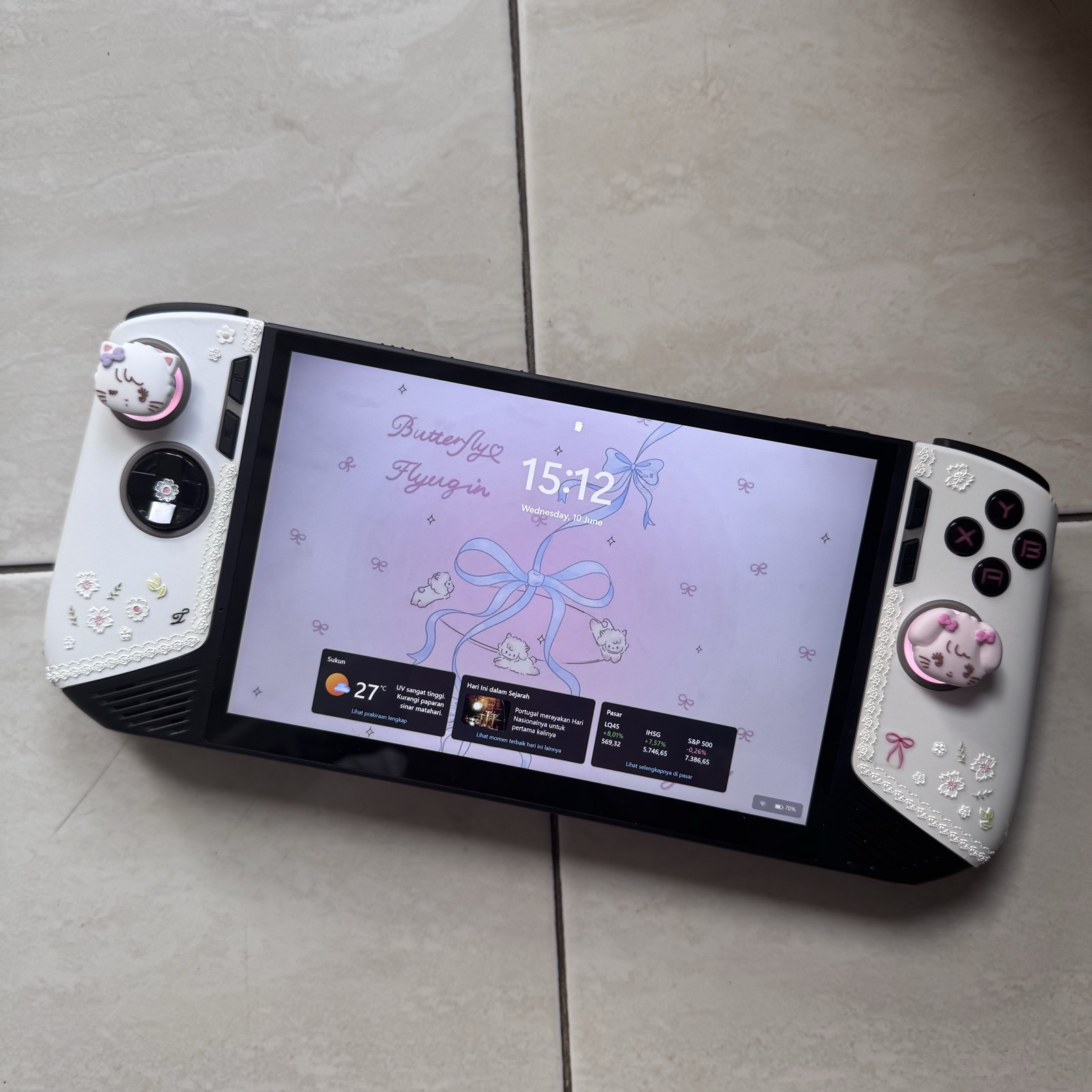
First came a skin. I ordered a textured 3M skin from 9Skin on Shopee. I wanted pink — that exact dusty pastel from the photo — but the seller could only make a few pink shades, and none of them were quite right. Rather than settle for a pink I'd quietly resent, I went with clean white instead. No regrets, honestly. White turned out to be the better base anyway.
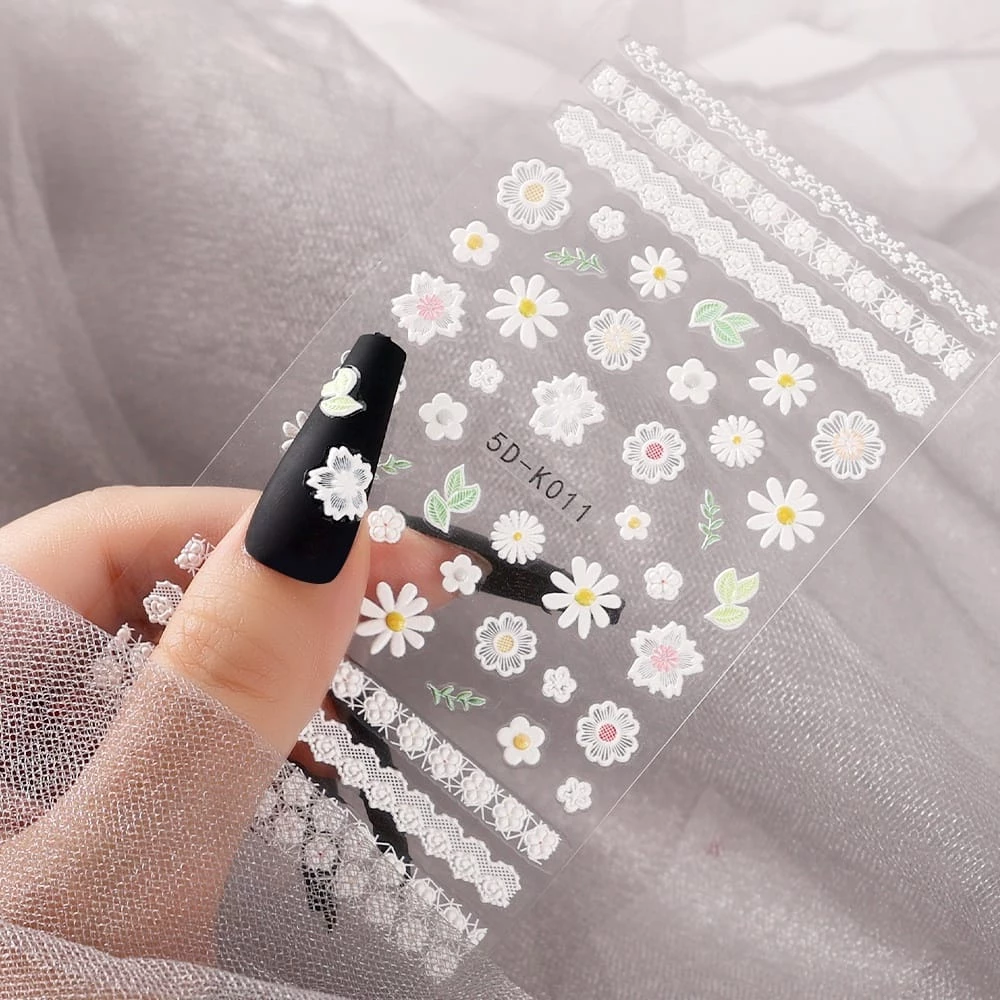
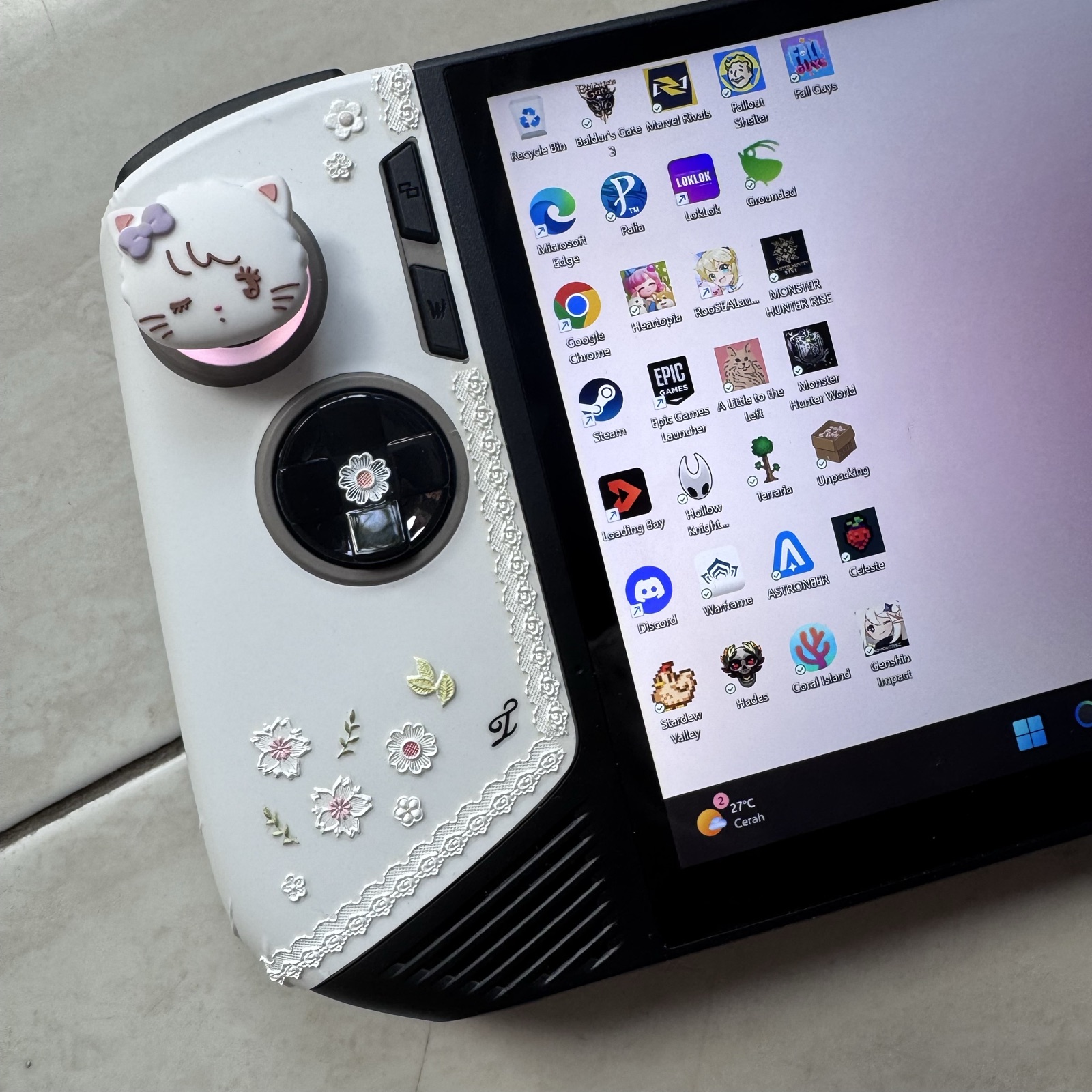
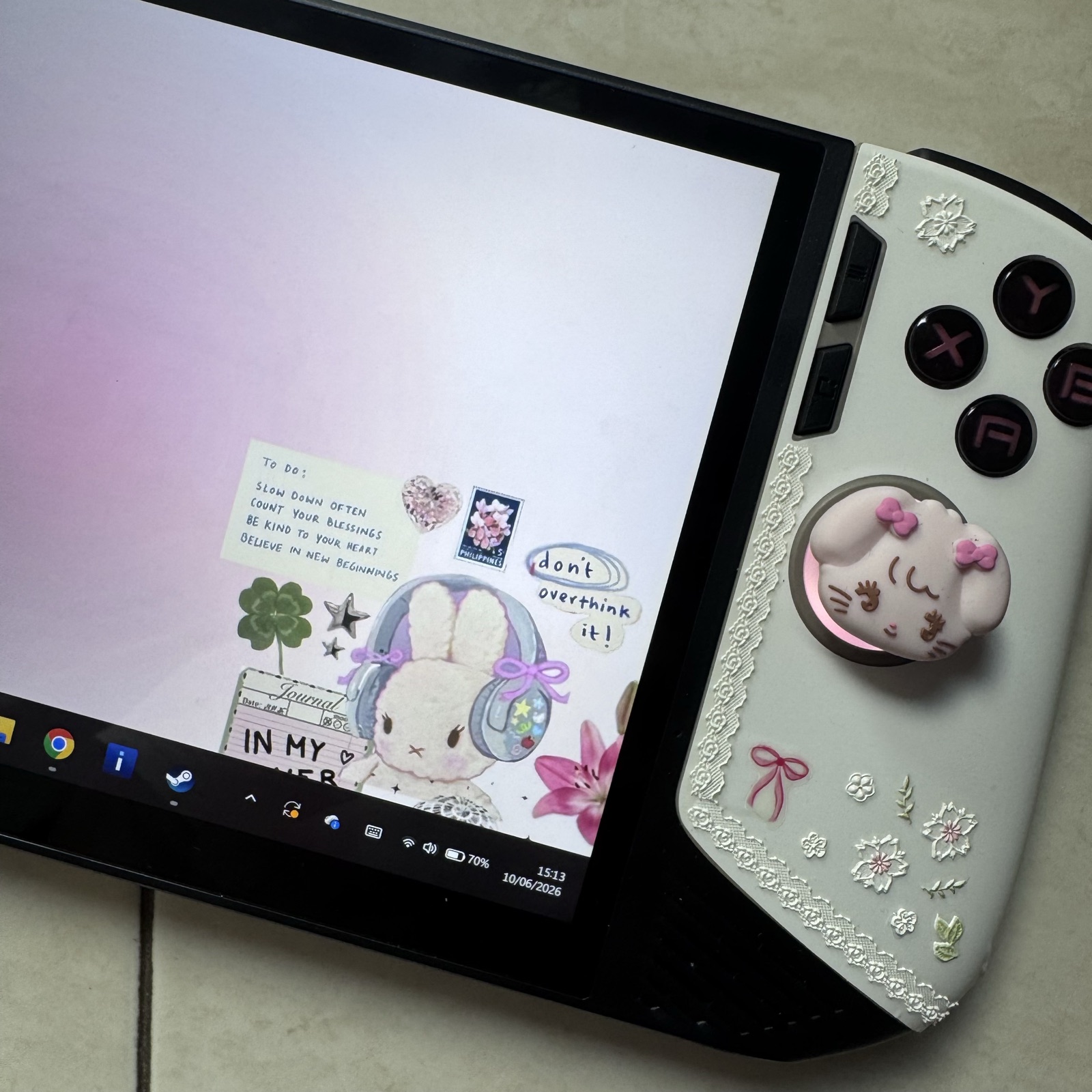
Then the fun part. My favourite little trick: I decorated it with nail-art stickers. I found a gorgeous 5D lace sticker and a sheet of tiny flowers — the kind made for fingernails — and layered them over the white skin.
And the finishing touch: thumb-stick grips shaped like tiny animals — cats and a little bear, each with a bow.
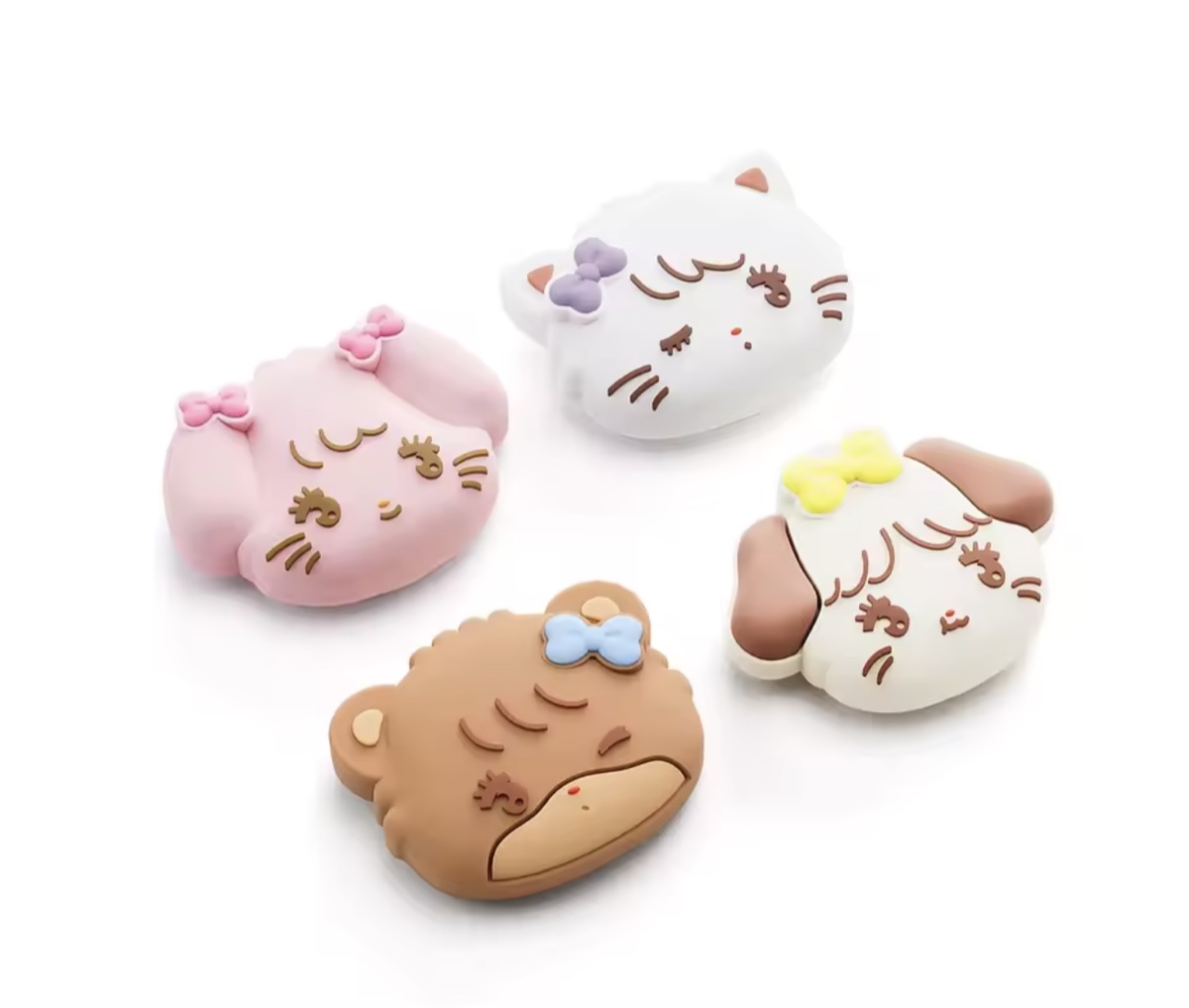
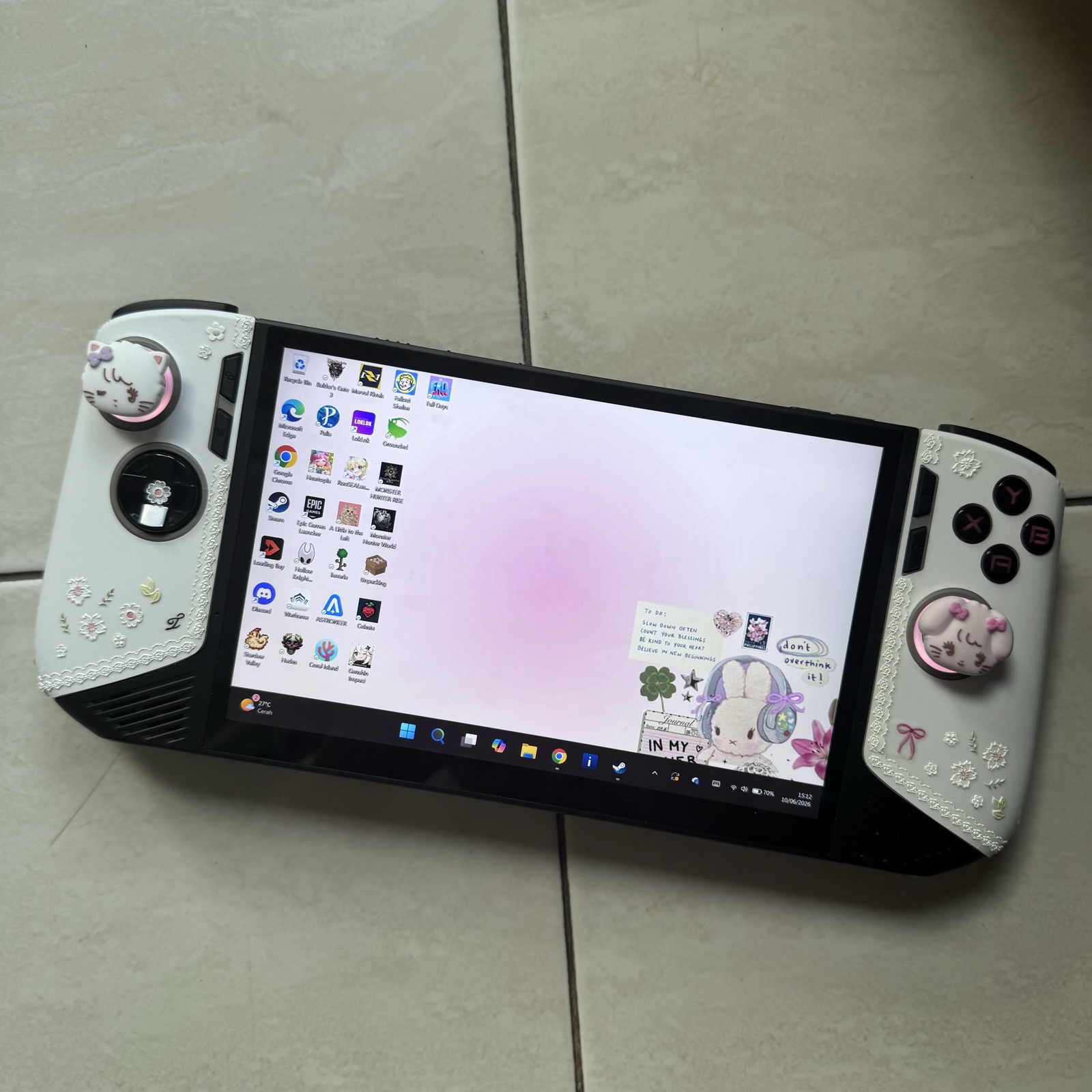
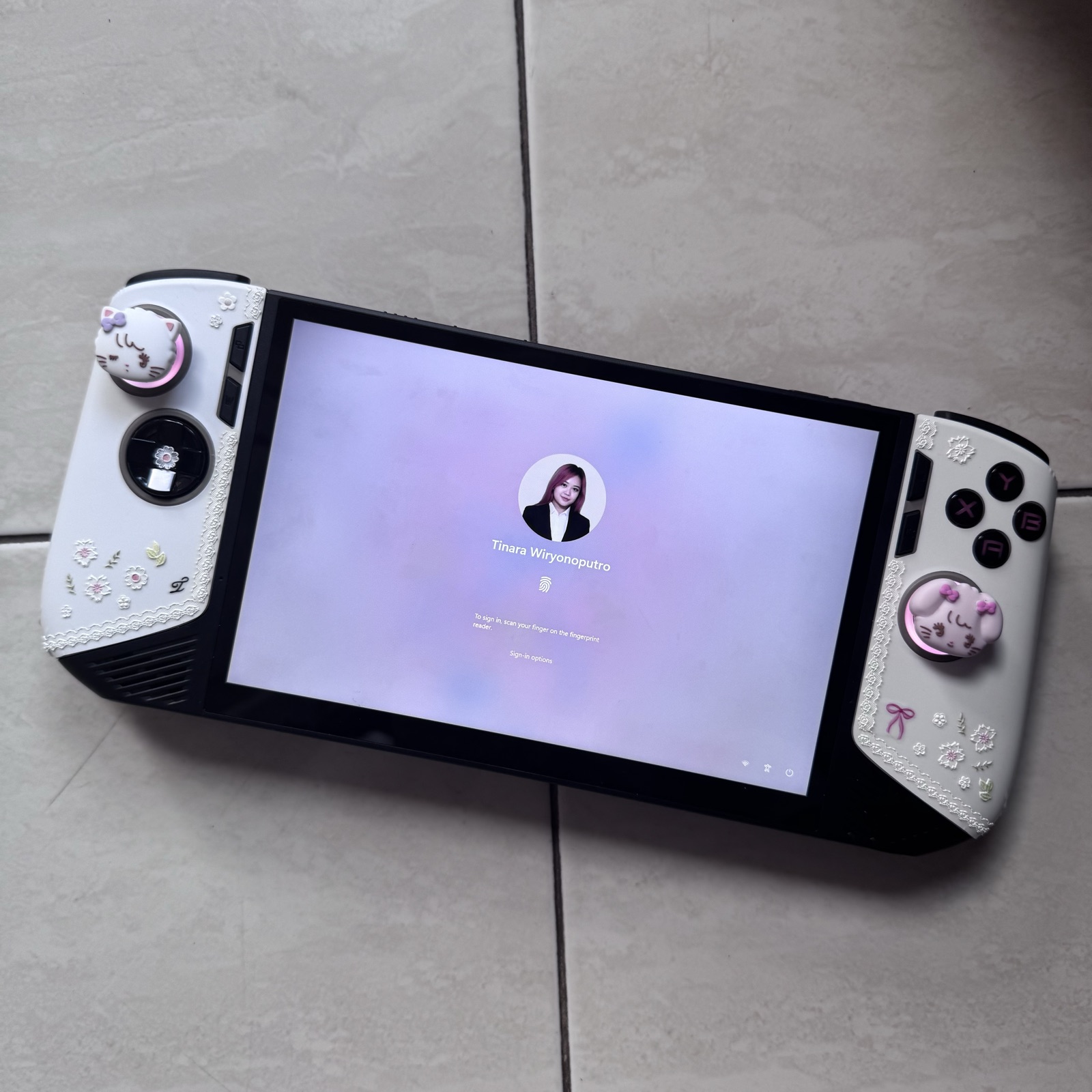
White skin, lace edging, scattered flowers, and a couple of cats on the sticks. Suddenly it looked less like hardware and more like something that belongs on a soft blanket next to a cup of tea. Pinterest-worthy — which was exactly the goal.
The result
Here's how it turned out:
 1 / 6
1 / 6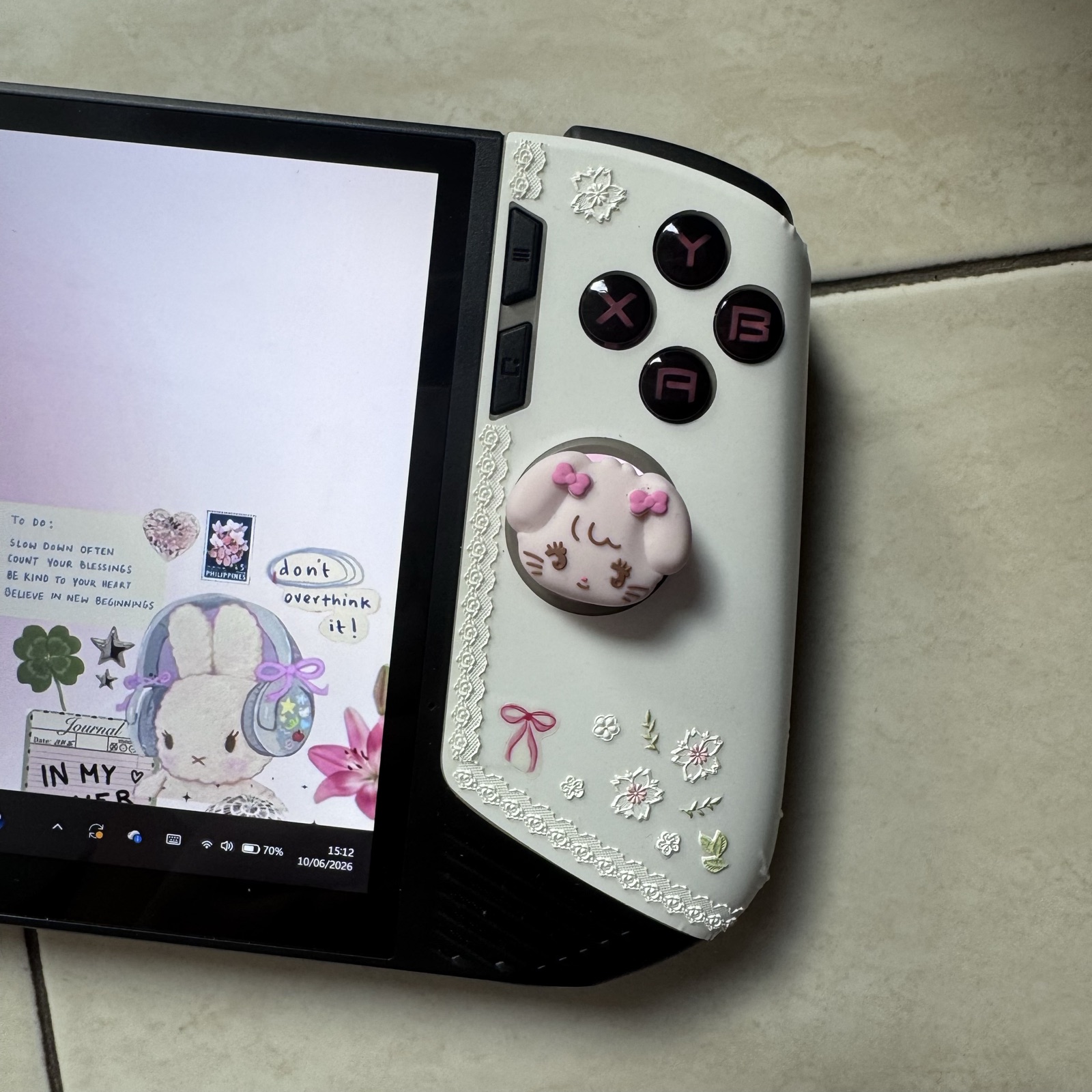
Final thoughts
The MacBook still does the heavy lifting. But the Claw does everything else — on the couch, in bed, on a trip — and it games and codes without making me choose between the two. Best of all, it actually feels like mine now, right down to the cats on the thumbsticks.
A few posts I might write next:
- My pastel Windows 11 setup — wallpapers, widgets, the whole soft desktop
- What actually runs well on the Claw 8 AI+
- A code-on-the-go setup that doesn't make me miss my desk
Comments
Be the first to say something.